Esipher Guides · November 3, 2026

How to turn a WordPress website into an app with Esipher

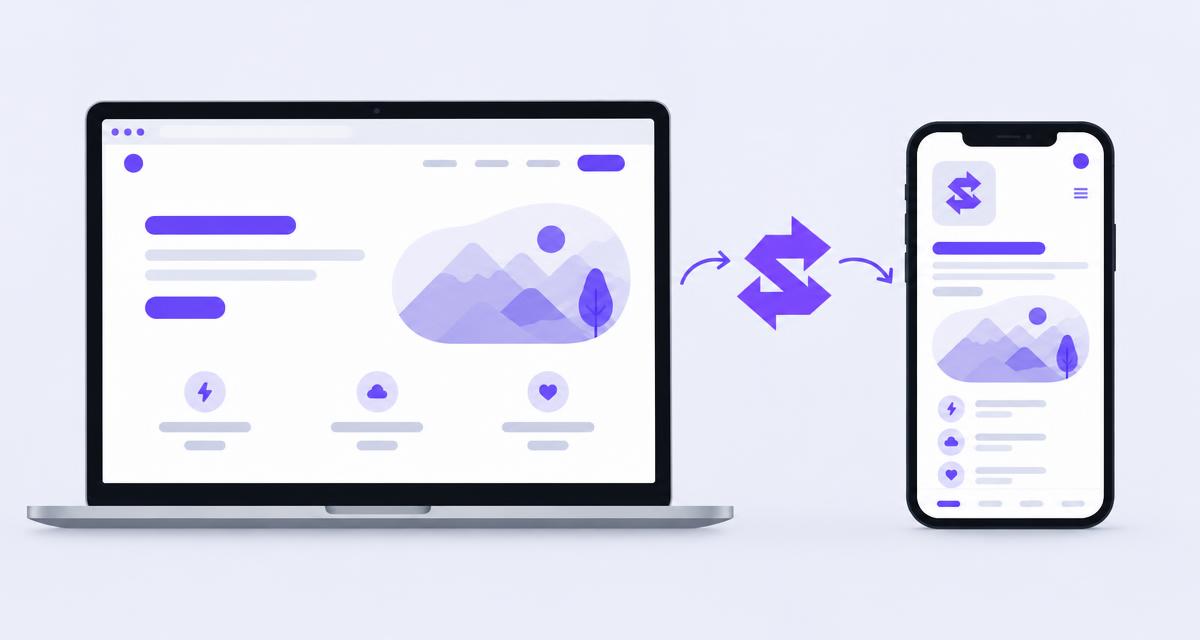
Esipher logo linking a WordPress website on a laptop to the same design as a smartphone app

To turn a WordPress website into an app, you package your site inside a native app shell, build it for Android or iOS, then install a test version or submit it to an app store. With Esipher on WordPress, you set your app details in the Mobile App screen and GitHub Actions in a repository you own produces the native Android build, with iOS available when you supply Apple credentials.

Website or app: what changes?

An app built from your website shows your existing design inside an installable app with its own name, icon and splash screen. People can open it from their home screen like any other app.

It does not automatically add new features. What works on your website is what the app shows, so make sure your site works well on a phone first.

1. Get your website ready for mobile

Open every important page on a phone. Check navigation, text size, images and buttons. If your design came from Lovable or another Vite and React builder, convert it into a WordPress theme with Esipher first, then review it on mobile.

2. Install Esipher on WordPress

Install Esipher from the official WordPress plugin directory and activate it. The current release is free for now.

3. Add your app name, icon and colours

In WordPress, open Esipher and go to Mobile App. Enter the app name, upload an icon and set your splash screen and colours so the app feels like your brand.

4. Connect GitHub to run the build

Esipher creates a build project in a GitHub repository you own. GitHub Actions then builds the native Android app. Using your own account means you stay in control of the code and build history.

  • Android builds run through GitHub Actions
  • iOS builds are optional and need your Apple developer credentials
  • GitHub and Apple services each require their own setup

5. Test on a real phone, then publish

Install the test build on a phone and try every key screen. Once you are happy, follow the Google Play or App Store submission process. Each store has its own review rules and account requirements.

What to know before you start

Esipher is honest about what it does not do yet:

  • Authentication, database operations and live data do not convert. Esipher detects and reports them.
  • Client routing beyond what exists in the built HTML does not convert.
  • Custom component layouts are not yet split into individually editable blocks.
  • Builder specific adapters and a conversion history or rollback screen are still to come.

Common questions

Do I need to know how to code?

No coding is needed for the WordPress steps, but you will need a GitHub account, and an Apple developer account for iOS.

Will my app update when my website changes?

Your app shows your website design, but store versions only change when you rebuild and submit a new release. Rebuild whenever you change app details.

Is Esipher free?

Yes, the current Esipher release is free for now.

Esipher

Turn finished website builds into WordPress themes and native mobile apps. Free for now.

Get Esipher free

Features and availability